Still using an older iPhone? Apple releases security fix after targeted attacks
The update fixes a vulnerability that could let attackers run malicious code
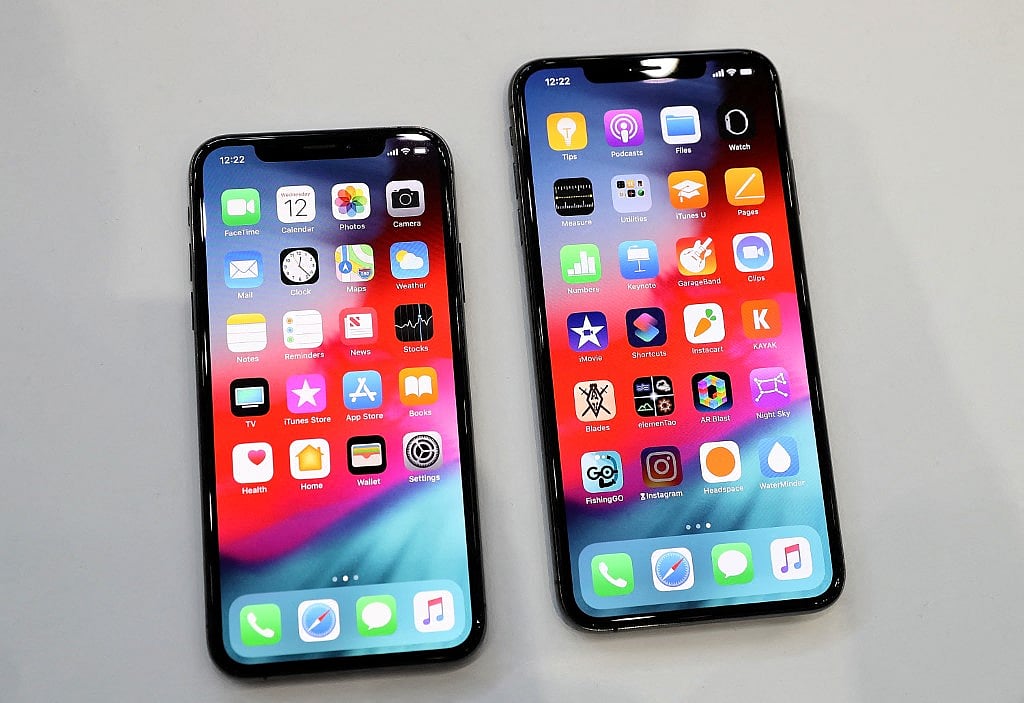
Dubai: Apple has released a security update for older iPhones and iPads that fixes a vulnerability attackers may have exploited in sophisticated cyberattacks targeting specific individuals.
Released on October 26, the update extends protection to older devices still receiving iOS 18 security fixes. Apple had already patched the same flaw for newer devices in September.
Get updated faster and for FREE: Download the Gulf News app now - simply click here.
What is the security risk?
The vulnerability, identified as CVE-2026-86950, affects CoreGraphics, a part of Apple's operating system that handles images, text and other visual content.
The flaw could let attackers run malicious code on a vulnerable device by tricking it into processing a specially crafted file.
Apple says it is aware of a report that the vulnerability may have been used in an extremely sophisticated attack against specific individuals running versions of iOS before iOS 27.
The company has not identified the alleged victims or disclosed details of the attacks. Its advisory provides no evidence of widespread exploitation.
Meta's Product Security team reported the flaw.
Which iPhones and iPads need the update?
The new iOS 18.7.11 update is available for the iPhone XS, iPhone XS Max and iPhone XR.
Apple has also released iPadOS 18.7.11 for the seventh-generation iPad.
Although these devices are several years old, they continue to receive security fixes.
Apple also released separate security updates on October 26 for newer devices, including iOS 27.2 and iOS 26.7.2.
Users should install the latest compatible software version offered for their device.
Other security problems fixed
The update addresses two additional vulnerabilities affecting user privacy.
One could allow an app to expose sensitive information stored on a device. Another could let a malicious app access the camera without the user's permission.
Apple says it addressed both issues through changes to the operating system's security protections. The company has not reported any real-world exploitation of either flaw.
How to update your iPhone
To check for updates, open Settings, select General and tap Software Update.
If an update is available, follow the instructions to download and install it. Keep the device connected to Wi-Fi and ensure it has sufficient battery charge to avoid interruptions.
Users can also enable automatic updates to receive future security fixes.
Network Links
GN StoreDownload our app
© Al Nisr Publishing LLC 2026. All rights reserved.