Apple overhauls Siri with major AI upgrade: Screen awareness, and full list of powerful new features
Siri now can interpret what is displayed on a screen and respond accordingly
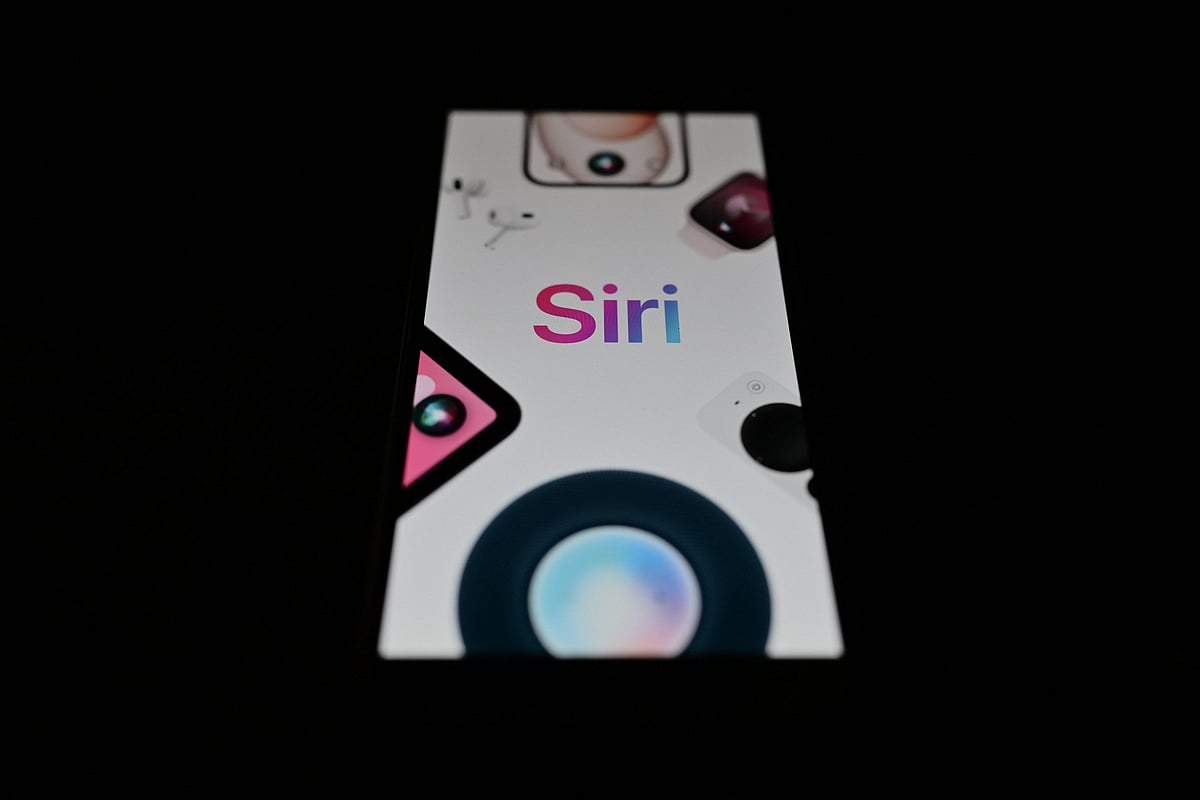
Siri is becoming a lot more aware of what's happening on your device.
At WWDC 2026, Apple unveiled a major overhaul of its voice assistant, introducing new AI-powered capabilities that allow Siri to understand on-screen content, recall information across apps and help users complete tasks with far less manual searching.
One of the standout additions is Siri's ability to interpret what is displayed on a screen and respond accordingly. Whether a user is looking at a screenshot, an email, a photo or a schedule, the assistant can identify relevant information and suggest actions. During demonstrations, Apple showed Siri pulling details from screenshots, creating calendar events and finding related information based on what was visible on the device.
The assistant can also search through messages, emails and photos to surface useful details, helping users locate things such as restaurant suggestions, hotel bookings or older images more quickly.
Apple is also introducing a standalone Siri app that keeps a private history of conversations. The feature allows users to revisit previous chats and continue them across devices, with conversations syncing securely through iCloud between iPhone, iPad and Mac.
The upgrade is part of Apple's broader Apple Intelligence push, which aims to make Siri more context-aware and capable of handling natural, multi-step conversations. According to the company, the assistant can better understand follow-up questions and personal context, reducing the need for users to repeat information during interactions.
Beyond answering questions, Siri is also being positioned as a productivity tool. Apple says the assistant can help draft messages, review documents, suggest edits and proofread text across the system, including within third-party apps.
Visual Intelligence is expanding as well. The feature will now be available across iPhone, iPad, Mac and visionOS. On iPhone, Siri can use the camera to identify nearby objects and answer related questions, while Mac and iPad users can analyse screenshots and other on-screen content to perform visual searches and complete actions.
Apple has also updated Siri's voice capabilities, introducing improved speech recognition, more expressive voices and enhanced dictation. The assistant can automatically handle punctuation, formatting and capitalisation while users speak, and users will be able to adjust elements of Siri's speaking style and pace.
Accessing Siri remains familiar, with support for the "Hey Siri" command still in place. On supported iPhones, users can also activate the assistant using the side button or through a swipe-down gesture from the Dynamic Island.
The redesigned Siri experience will launch first in English, with support for additional languages expected to expand over time.
Siri (WWDC 2026) — Full List of New Features
Built using Apple Intelligence with major AI upgrades
Better understanding of follow-up questions and conversational context
Improved personal context awareness (remembers user-related info during use)
Can understand and act on on-screen content (screen awareness)
Can extract information from screenshots
Can add events directly to Calendar from what’s on screen
Can search and use information from Messages, Emails and Photos
More natural, expressive voices
Improved speech recognition and dictation accuracy
Dictation now automatically handles punctuation, capitalisation and formatting
Customisable voice pace and speaking style
Refreshed Siri interface across Apple devices
New access methods on iPhone via side button and Dynamic Island swipe
Dedicated standalone Siri app
Private conversation history stored in the Siri app
Conversations sync securely across iPhone, iPad and Mac via iCloud
Deeper integration with Spotlight and contextual menus on iPad and Mac
Ability to query files, images and text directly from the screen
Expanded Visual Intelligence across iPhone, iPad, Mac and visionOS
Camera-based object recognition and contextual Q&A on iPhone
Screenshot and on-screen visual search on iPad and Mac
Productivity tools: drafting messages, planning tasks and reviewing documents
Writing assistance: generates drafts, suggests edits and proofreads text systemwide
Works across Apple apps and supported third-party apps
Initially launches in English, with more languages coming later
Network Links
GN StoreDownload our app
© Al Nisr Publishing LLC 2026. All rights reserved.