Need to pay another person’s traffic fine in the UAE? Here’s how to do it online
Here's how to settle traffic fines on behalf of others in Abu Dhabi and Dubai
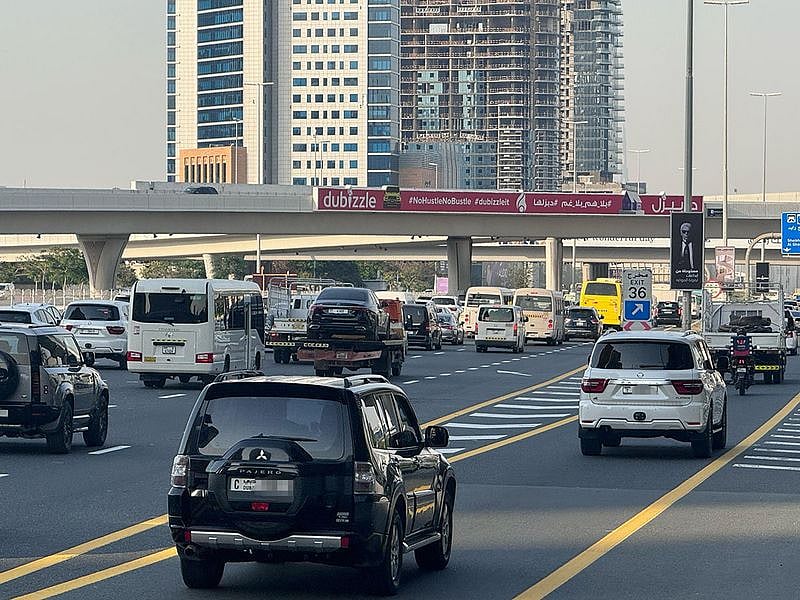
Motorists in the UAE have the option to pay traffic fines on behalf of others, whether to assist a friend or family member or to settle a fine incurred while driving a company vehicle. Police and transport authorities allow individuals to clear fines registered under another person’s driving licence or vehicle number plate through official digital platforms.
If you wish to pay a fine for someone else, the process varies slightly depending on whether the violation was recorded in Dubai or Abu Dhabi. Here’s how you can do it.
Paying traffic fines for others in Dubai
Dubai’s Roads and Transport Authority (RTA) provides a seamless way to settle fines through its ‘RTA Dubai’ app, available for Apple, Android, and Huawei devices. Follow these steps to make a payment:
Download and log in – Open the ‘RTA Dubai’ app and sign in using your UAE Pass.
Access the fine payment service – Navigate to the ‘Services’ section and select ‘Fines’.
Choose ‘Pay fines for others’ – This option allows you to search for violations linked to another person.
Enter the relevant details – You can search for fines using the plate number, driving licence number, or traffic file number.
Review and settle the fine – Select the specific fine you wish to pay and complete the transaction using a credit or debit card.
Receive confirmation – Once the payment is processed, you will receive an electronic confirmation within the app.
Paying traffic fines for others in Abu Dhabi
For violations in Abu Dhabi, motorists can use the TAMM app, which serves as the official portal for Abu Dhabi government services. To pay fines on behalf of someone else:
Open the TAMM app – Log in with your UAE Pass.
Search for the fine payment service – Use the search bar to find ‘Traffic fines payment’ and select the first option that appears.
Select ‘Pay for others’ – This option will be available under your full name and traffic profile number.
Enter the required details – You can search for the fine using one of the following identifiers:
Emirates ID
Driving licence number
Vehicle plate number
Traffic Code (TC) number
View and select the fine – The system will display all outstanding fines linked to the provided details.
Complete the payment – Use a credit or debit card to finalise the transaction.
Confirmation receipt – Once the payment is successfully processed, you will receive an official confirmation.
Sign up for the Daily Briefing
Get the latest news and updates straight to your inbox
Network Links
GN StoreDownload our app
© Al Nisr Publishing LLC 2026. All rights reserved.