Ask Gulf News: How to get a digital nol card on your smartphone in Dubai
Digitise your nol card and never worry about leaving your physical card behind
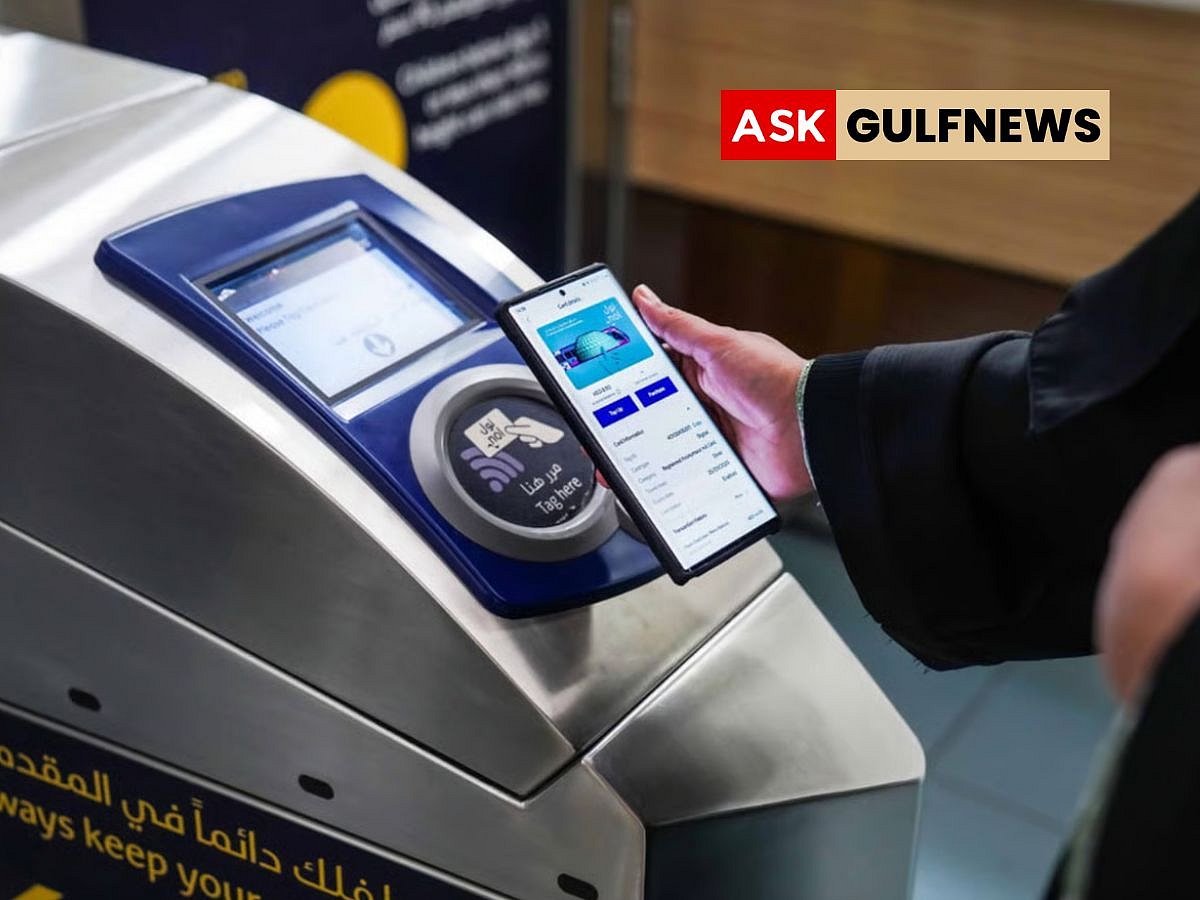
Dubai commuters who often forget their physical nol card can carry a digital version on select smartphones. Available for Huawei and Samsung users, the digital nol card allows seamless payment for Metro, buses, trams, taxis, parking, and even some retail purchases.
The digital card is managed through Dubai’s Roads and Transport Authority (RTA) official app, nol Pay, which also links your card to your Emirates ID for personalisation.
Samsung users
Since 2023, Samsung devices have supported nol card digitisation. Only Silver and Gold cards can be digitised, and once the transfer is complete, the physical card is deactivated.
Open the Samsung Wallet app on your phone, tap Transport Card, then select Add nol Card. Follow the on-screen instructions, which will direct you to the nol pay app to complete the digital card setup.
Huawei users
Huawei devices have supported digital nol cards since 2020 via the Huawei Wallet app or compatible Huawei Watch 3 models.
Steps to digitise on Huawei:
Open Huawei Wallet and tap the “+” icon near transportation cards.
Select your nol Silver or Gold card.
Choose “Digitise an existing physical card” and follow on-screen prompts.
Wait a few minutes for the card to save; the physical card becomes inactive.
iPhone users
Currently, Apple Wallet does not support digital nol cards. However, iPhone users can store Dubai-registered driving licences and vehicle registration cards on their devices.
With a digital nol card, Dubai commuters can enjoy faster, contactless travel and no longer worry about forgetting their physical card.
Network Links
GN StoreDownload our app
© Al Nisr Publishing LLC 2026. All rights reserved.